15 May 2015

Tip of the month! May: Info center


We have noticed a lot of questions recently regarding release dates or update news. Of course we are always more than happy to help, but there is a really easy way to keep up to date with the most important program and catalogue developments.


As long as you are connected to the internet, just check out the info center in the bottom right tile of Palette CAD start screen. Easy!


Greeting from Stuttgart,
Your Palette CAD Blog Team


16 April 2015

Tip of the month! April: Room configurator settings


With time being in such short supply I decided to offer up another tip to help you get quicker. Lots of our users spend a lot of time preparing a room in too much detail for initial drafts. There is plenty of time to be saved by using the room configurator and changing it's standard settings, especially if you often find yourself using the same floor/wall coverings.

First open the room configurator, either from the start menu or the insert tab. A new window will pop up with a number of editable options. Another useful tip to remember is that it will retain the setting used last time.


Select "Room properties..." to set new default material coverings.


This will open another window where you can change a number of options. By clicking on the materials you can choose an alternative from your catalogues. Also recommended is to create and hide the ceiling as it offers a much better overview when planning. In case you wish to change back the materials to program defaults simply do the same as before and select it, as seen in the picture below.


After finishing the configurator the options you selected will be implemented as well as saved for future designs. Now you just have to worry about choosing the furniture and create some impressive visual proposals.


Enough time saved to treat myself to a cup of coffee. Make sure to check back next month for another awesome tip. Until then, and as always, have fun with it!


Greeting from Stuttgart,
Your Palette CAD Blog Team


30 March 2015

March madness


For some reason, the month of March, as well as, the expression March Madness, always makes me think of the Mad Tea-Party. Who would ever imagine that it's origins are Illinois high school basketball. To me the hectic, confusing, ever subject-changing, riddle filled scene from Alice in Wonderland seems by far more fitting, especially when I compare it to my private and working life, or the weather for that matter in March.


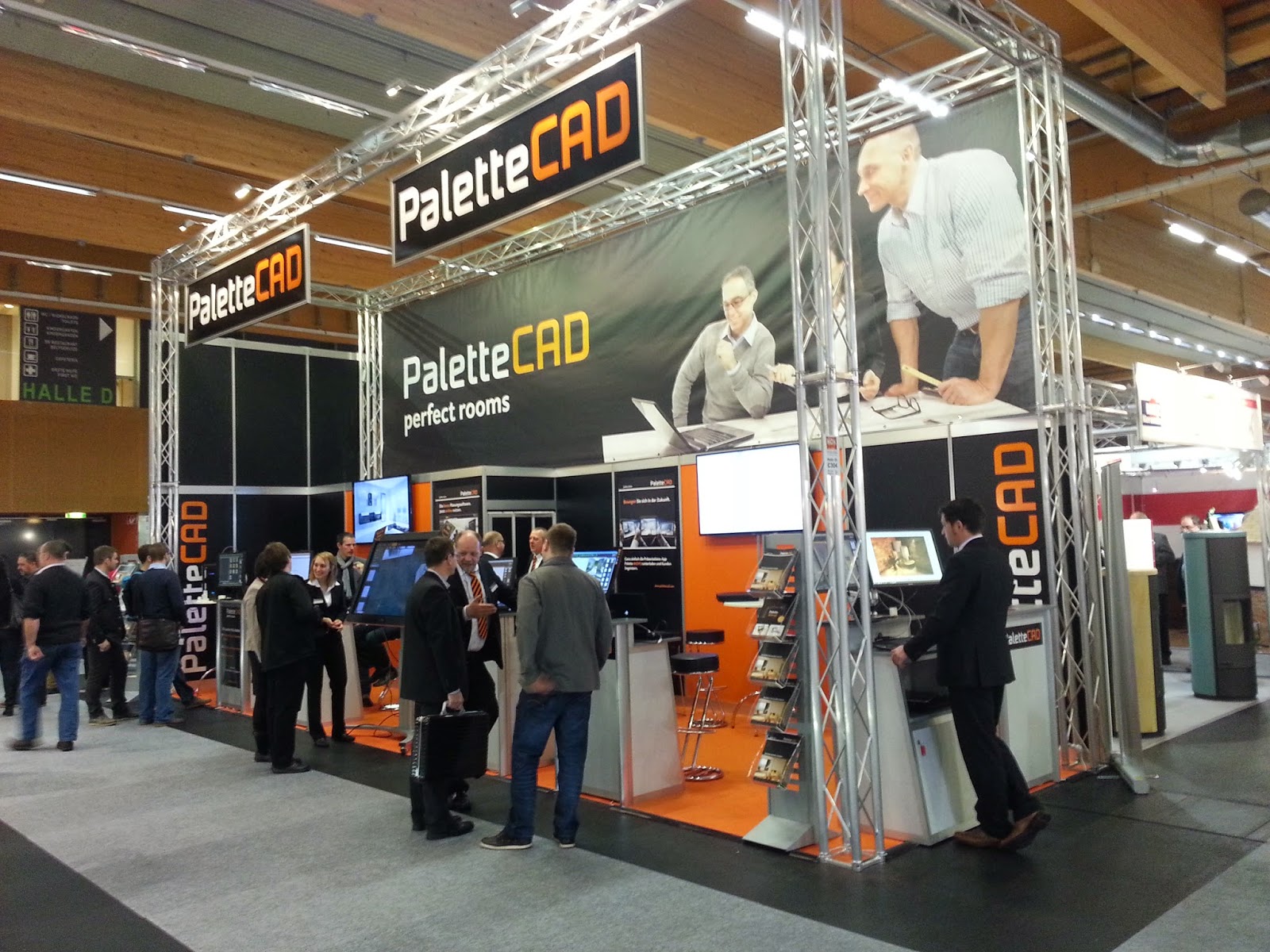
Well I'm not going to go on about the weather, again, and certainly my private life is a no go, but as far as Palette CAD is concerned, it has been an adventurous month. Most notably, the world’s biggest showcase for innovative bathroom design, the ISH took place between 10th and 14th of March. Palette CAD was once again proudly waving its flag with two stands, and we came armed with a serious arsenal of entertainment and innovations to impress a record breaking crowd of almost 200,000 visitors.


New Play, improved @Home, 3D printing, Oculus v2 integration, ImmerSight virtual showrooms and a sneak peak at Palette CAD 9 were all on display, and  received a very positive and excited feedback. I still love seeing peoples reactions when they first experience the world of virtual reality, especially the pre-computer generation. The word holodeck was getting somewhat overused, and the constant reaching for objects/handles always draws a smile from the onlookers. Having been exposed to the innovations in this field for a few years now, I can honestly say that I am getting a bit harder to impress, but, having tried out the latest offerings, it is almost impossible not to get excited. Now that the virtual reality is here to stay, and having seen the rapid improvements in the last couple of years, coupled with companies pouring billions into it's advancement, I am really looking forward to the next few years. Limits of imagination will be sufficiently tested! Feel free to quote me on that one.
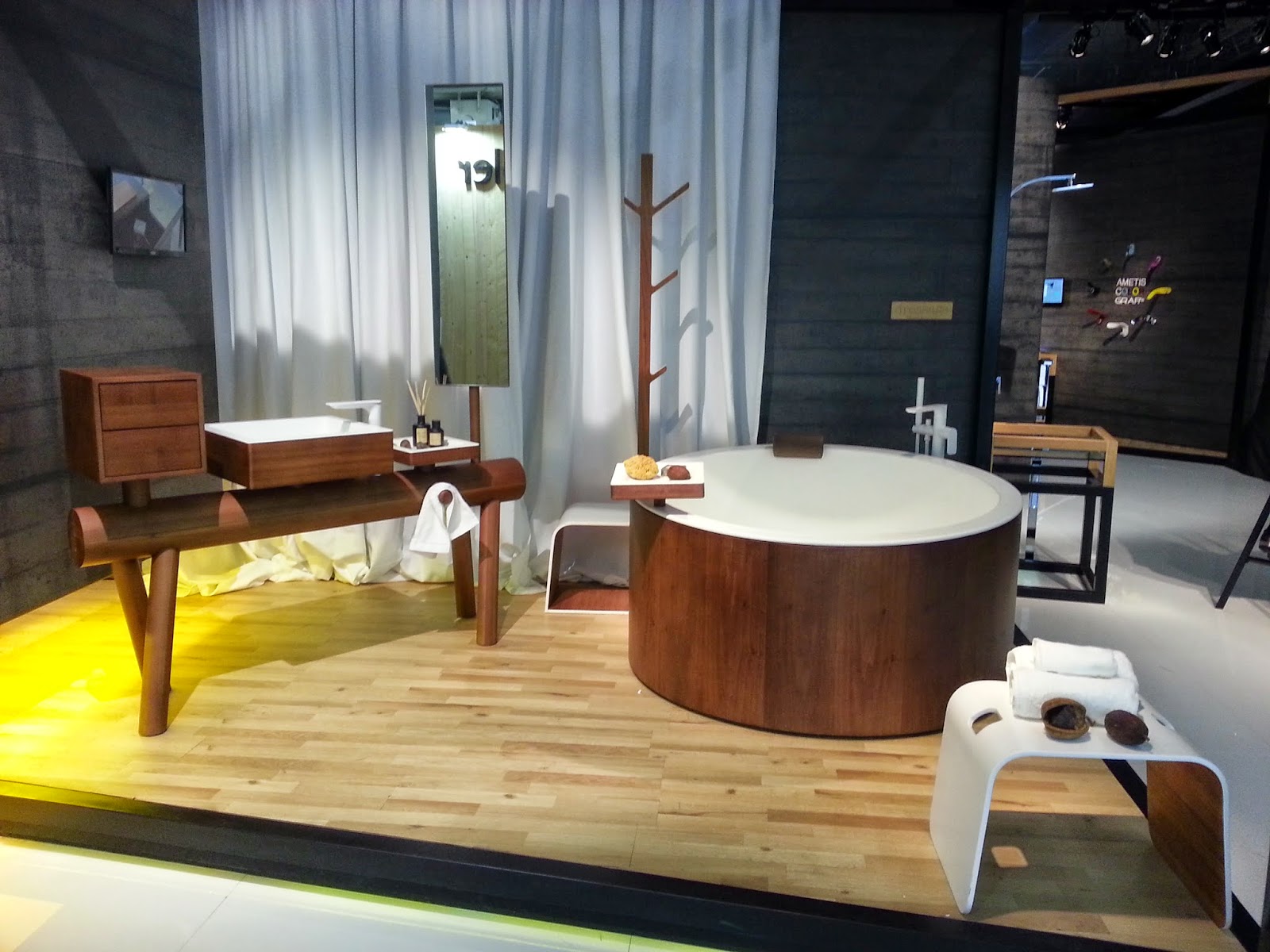

The present is pretty good too at the moment. Latest patch, v8.25 will be online in the next two weeks, so make sure to check for updates, or just keep an eye out for a post in the Palette CAD info center. Improvements and bug polishing across all branches, cloud functionality upgrades as well as CNC enhancements to name just a few.


On top of that, the latest tiling update is on it's way, featuring thousands of latest designs. Spring is well and truly here and the days and moods are getting brighter and brighter. Right now the big focus is on the new version of wood technology, which is being completely redesigned. A sneak peak will be available at Ligna between 11th and 15th of May so make sure to stop by.

That is it from me for now, I wish you all a wonderful Easter holidays, and for those taking part, a fruitful egg hunt.


Greeting from Stuttgart,
Your Palette CAD-Blog Team


14 March 2015

Tip of the month! March: Palette cloud sharing


There it is again, that term, “cloud”. Most of you have now come across this idea of a fluffy, white, data storage server somewhere up in the sky, perhaps. Well, the good news is, you don’t really have to worry too much as to what, or where it is.

For now, let’s just think of it as an extra saving space that cannot be seen. We have created and utilised our own invisible hard disk version too, Palette Cloud, and it is now there for you to take advantage of. Simply put, you can save and share your panoramic images (Move) and Play designs. These can then be forwarded per email, code (for use with Apps or at palettecloud.net) or direct internet link onto your target audience.


To start off with, save your project and then export it in either panorama or play format. Then go to your Cloud menu and select “Upload file”. Standard explorer window will open, so simply find and select the file you wish to upload.


Once the files are uploaded they will be displayed according to type (as seen above). All that is left to do now is forward your designs to the desired audience. By clicking on the mail symbol, an automatic, generic email will be created. Alternatively, you can send the code, to be used either on palettecloud.net or Palette Move app (available free of charge). 

As an added bonus the code also acts as a hyperlink, which means you could share them on your website, or social media channels, for marketing purposes. Try it out now for yourselves, just click on my code 9560 6863. Also feel free to try the other codes above. Just remember in order for the links to keep working they must be hosted in your cloud storage.

Have fun with it!


Greeting from Stuttgart,
Your Palette CAD Blog Team


19 February 2015

Tip of the month! February: Palette@Home


More of a treat then a tip this month. New online planner from Palette CAD is now finally available in English. I present to you Palette@Home.

http://www.palettecad.com/en/products/new-online-planner_2
Click on the image above to visit our website and learn more.

Our internet planner is ideal for designing and furnishing rooms of all kinds. Suppose you wanted to design your dream room from scratch, see how a new piece of furniture would fit, or plan for a new fireplace? With Palette@Home it is very simple. The planning process is broken down into logical, progressive steps using our tabs navigation menu at the top. If that is still not easy enough, there is even a step by step support as standard for first time users. First set the room dimensions and insert windows and doors. Inserting objects into your room is equally simple. Just select the desired one and drag and drop it where you want it. Same system is also used for applying or changing the materials in the 3D view. Click on the image below to try out the interior design version.


http://www.palettehome.de/EN/home/03/

Free app version is also available for tablets and Windows 8.1 devices, so you can download it and use it on the go!
 
Palette@Home plans can be imported directly into Palette CAD (version 8.1 and onwards), where they can be further edited, processed and presented. What better way to find out more about Pallete@Home, then to try it out for yourselves.

Have fun!


Greeting from Stuttgart,
Your Palette CAD Blog Team


31 January 2015

Up and running


We have made it through the holidays and January sales (although now probably carrying around a little extra "Christmas cheer"). Last year is already all but a distant memory and most of us have already broken our New Year's resolutions. Never mind, we'll get another crack at the whole lot soon enough! Let us instead embrace 2015 and focus on making it our year.

For Palette CAD January means the start of the trade exhibition  season and we have already tackled three of them. There really was plenty to see and try out at the IMM Cologne, Bau Munich as well as KOK in Wels.


We have once again showcased ImmerSight letting people step into their virtual rooms. Latest version of Palette@Home on our huge touchscreen and we also brought along our new 3D printer to have a little fun.


Localised versions of Palette@Home are being uploaded very soon and I hope to give you a chance to try out the English version next month, so watch this space.


Of course the most anticipated event this year is the release of version 9 of Palette CAD. What I can disclose at this point is that, although, there is likely going to be a ridonkulous amount of new features and improvements, the look and layout of the version 9 will likely remain very similar to that of Palette CAD 8. Personally I find that to be phenomenal, it will be very easy to plug and play, so to speak. 

Even better news is that all our our current customers with service partnerships will be getting upgraded to version 9 free of charge. Also don't forget that it is worth getting your hands on Palette CAD 8 right now, less than a year from version 9 again guarantees free upgrade for service partnership customers, as well as, benefiting from the current price point. Contact us at info@palettecad.com for more details.

I will leave it there but more news and reveals in the coming posts.


Greeting from Stuttgart,
Your Palette CAD-Blog Team


15 January 2015

Tip of the month! January: Software & customer info


Happy 2015 everybody. Hope the new year has been treating you all well so far. For the first TOTM a little gem to show you how to get your software version details, Palette CAD customer number, as well as, a list of licensed modules. The below information is very useful and important when getting in contact with us. I also dropped a little Easter Egg in the pic for the eagle-eyed. See if you can spot it.


Simply go to "File" and select "Program settings".  Top right you can find the installed version number of your software. Hardware lock is useful if you have a time locked license. Under "Licensed for" you can find your Palette CAD customer number and below that are all of you licensed modules. Simples.


Greeting from Stuttgart,
Your Palette CAD Blog Team